
Your coach has spent years working out how they train people. The app's job is to put that method in your pocket and keep it pointed at you — your goal, your schedule, the shoulder that still complains. Here's how you get from their link to your first program.
The short version
Before you start: you need a coach's link
Agora Fitness isn't an app store full of programs to browse. It works hand in hand with one real coach, and the way in is the link they share with you — from their profile, a DM, or a QR code at the gym.
The four steps
Sign in with your email
No password to invent. Enter your email and the app sends you an eight-digit code; type it in and you're through. If it hasn't arrived after a minute, check spam and use Resend code.
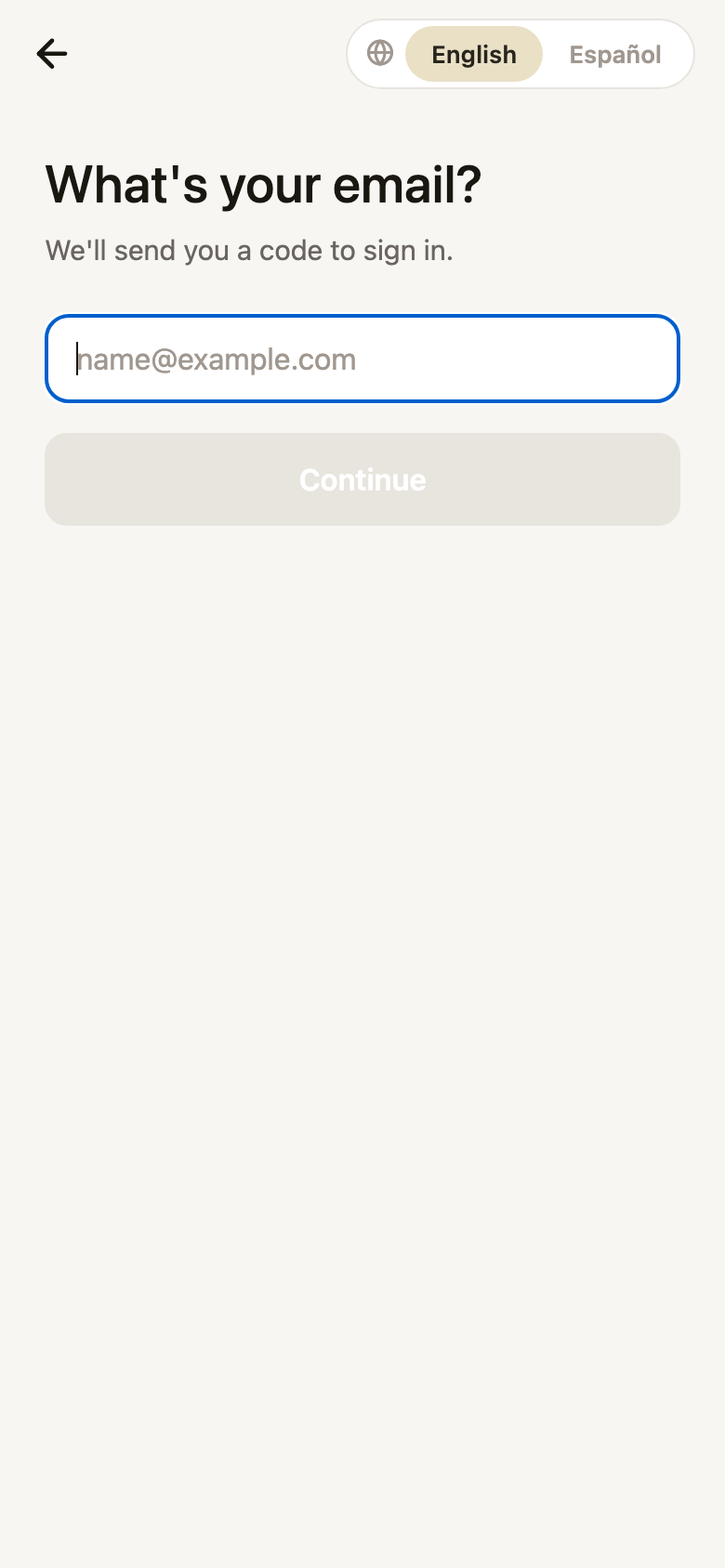
Your email
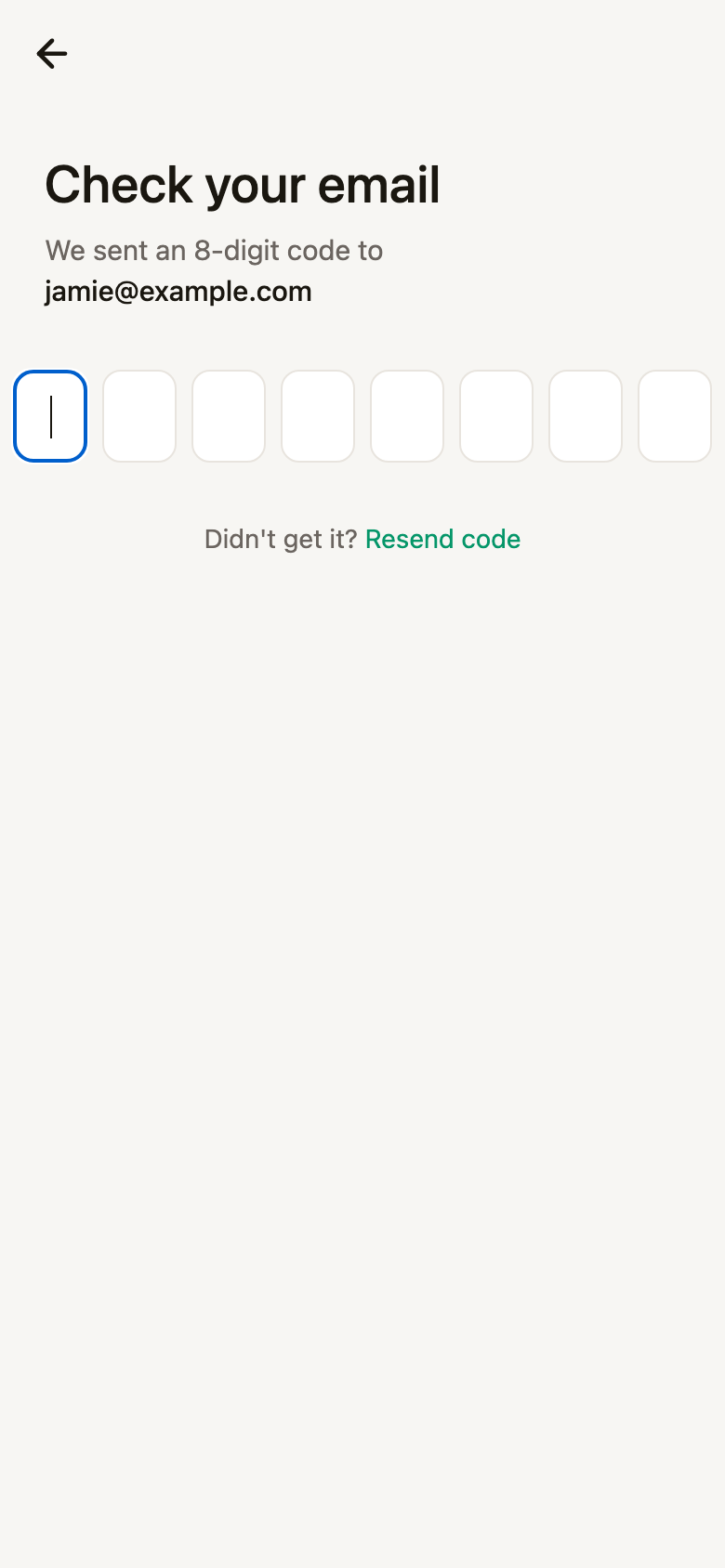
The code
Tell the app about you
This is the screen that matters most, and it's the one people are tempted to skip. Five questions:
- Primary goal — lose fat, build muscle, recomp, performance, or general health.
- Experience level — beginner, intermediate or advanced.
- Gender, including non-binary and prefer-not-to-say.
- Date of birth.
- Height and weight — in cm/kg or ft-in/lbs, whichever you think in.
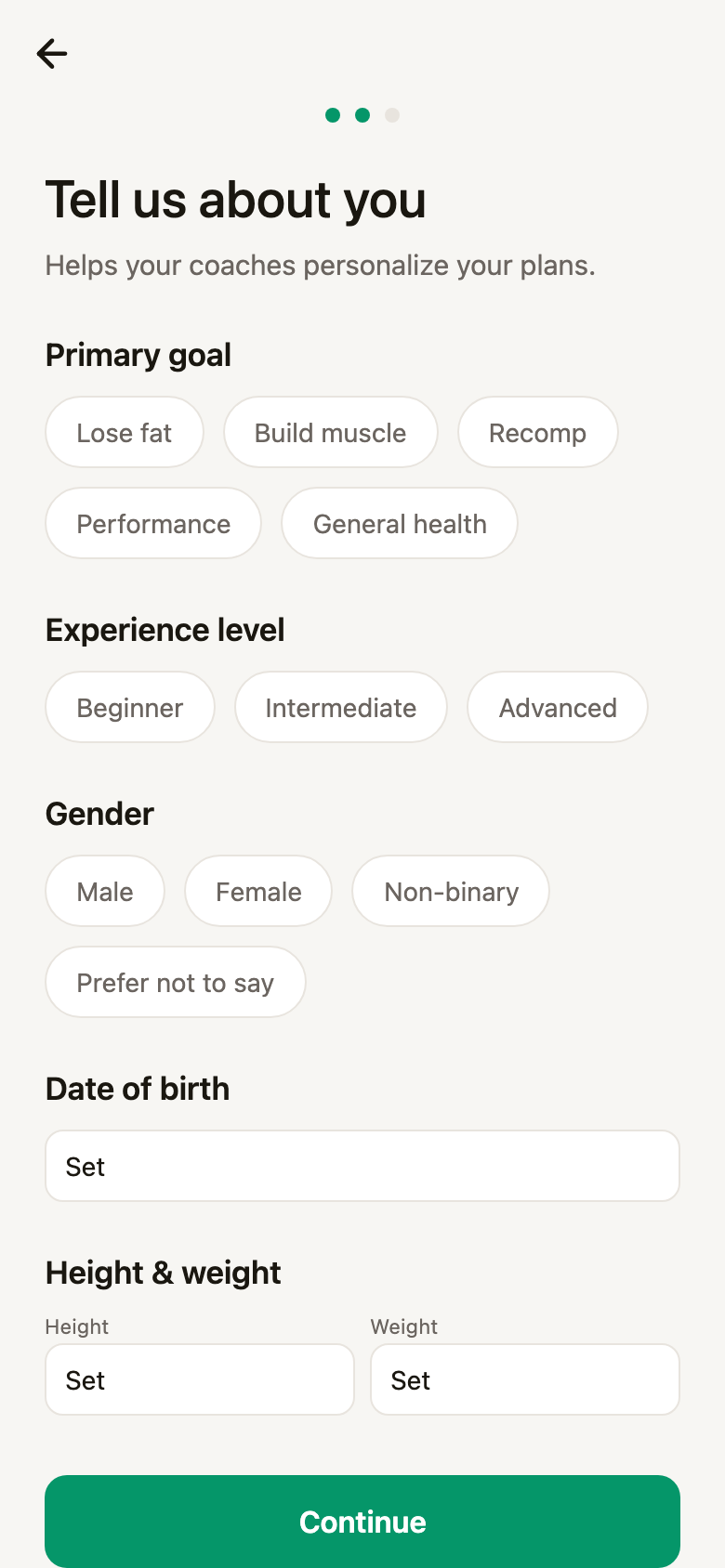
Before
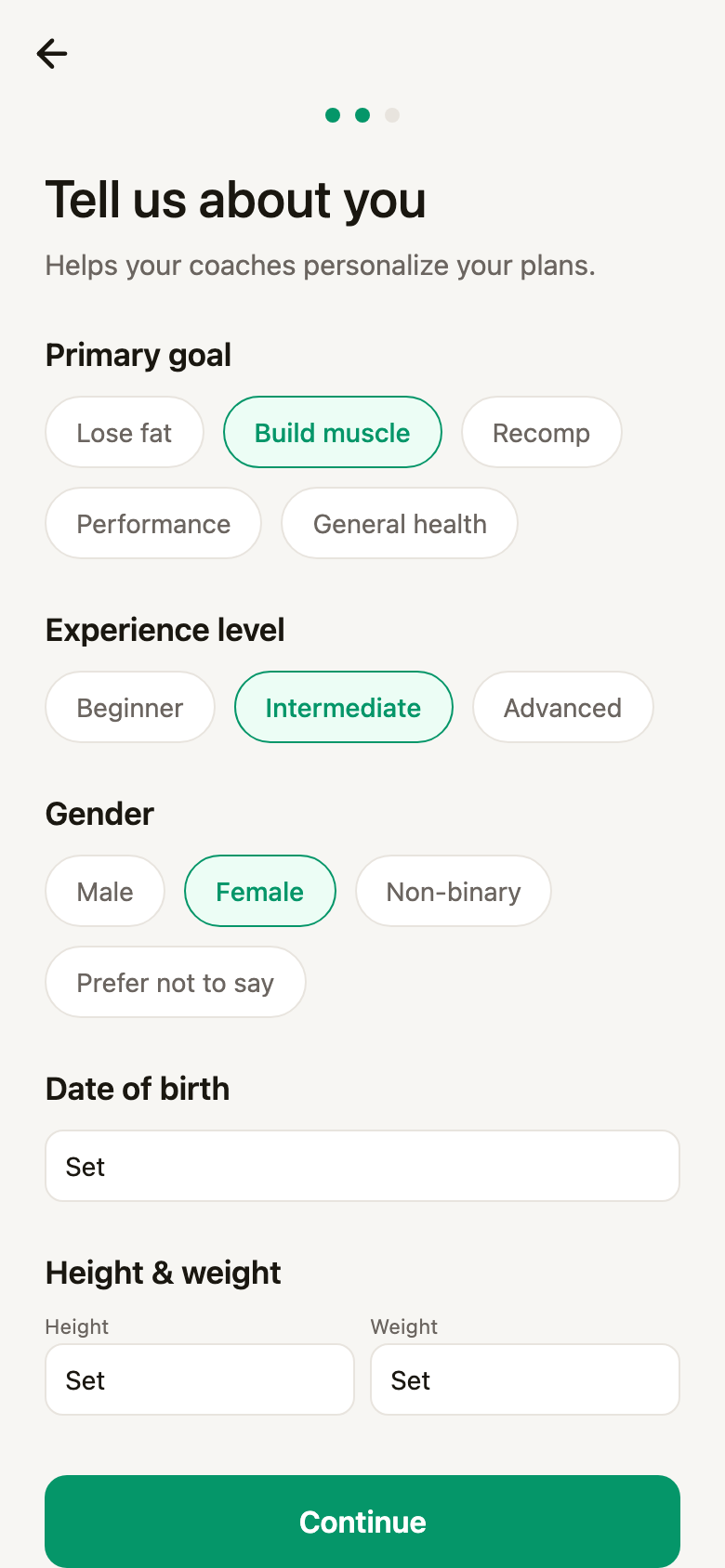
After
There's a Skip for now at the bottom, and you can change any of it later from your profile. But everything here feeds straight into what your coach builds — a program for an advanced lifter chasing performance looks nothing like one for a beginner who wants general health. Thirty seconds spent here saves a lot of back-and-forth in the chat.
Set your preferences
The second screen is about how training fits your week: how many days you train (2–3, 4–5, 6+), which styles you like — weightlifting, calisthenics, HIIT, yoga, running — and any dietary preferences, from no restrictions through vegetarian, vegan, gluten-free and dairy-free.
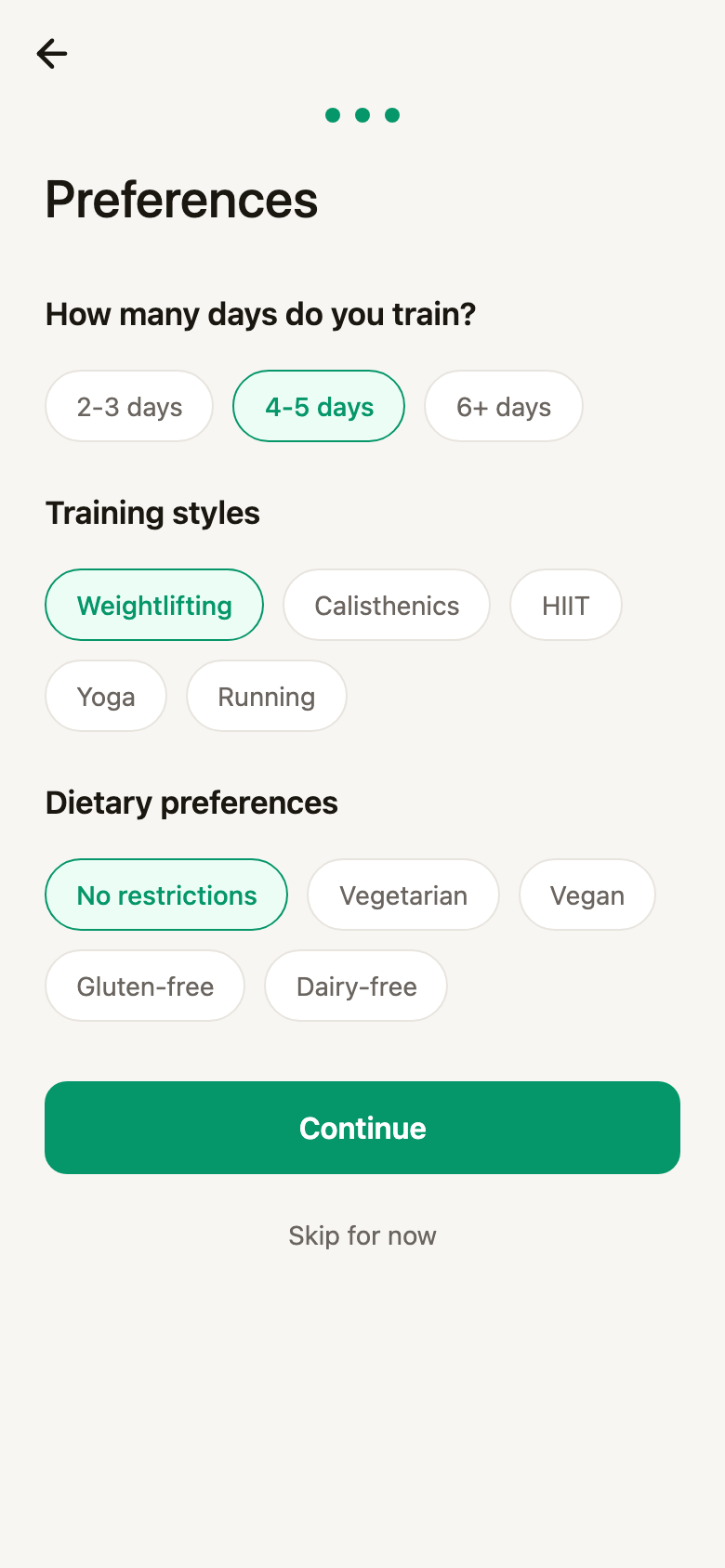
Preferences
Talk to your coach
Now you're in. The app opens on Today, with tabs along the bottom for your plan, your coach and everything else. Your coach is waiting under the Coach tab.
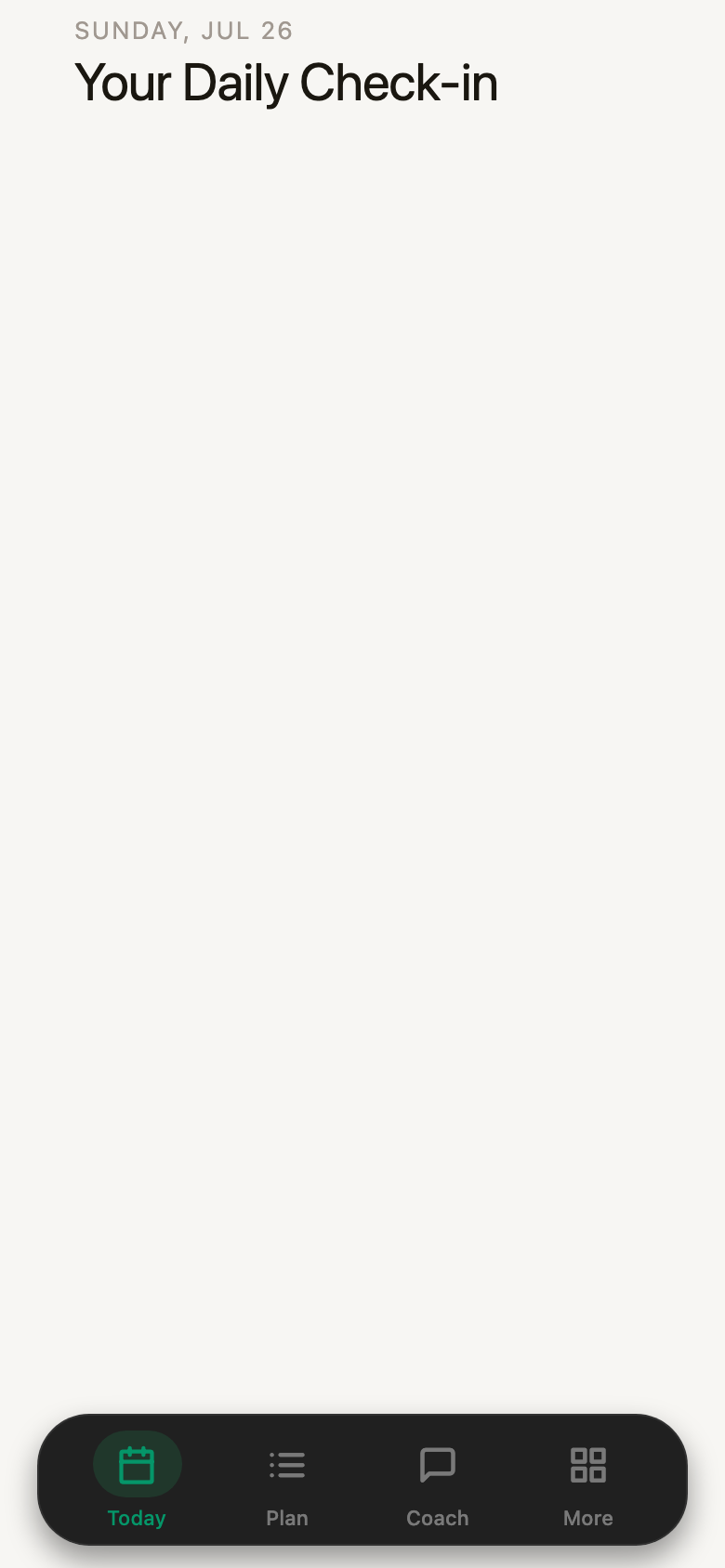
Today
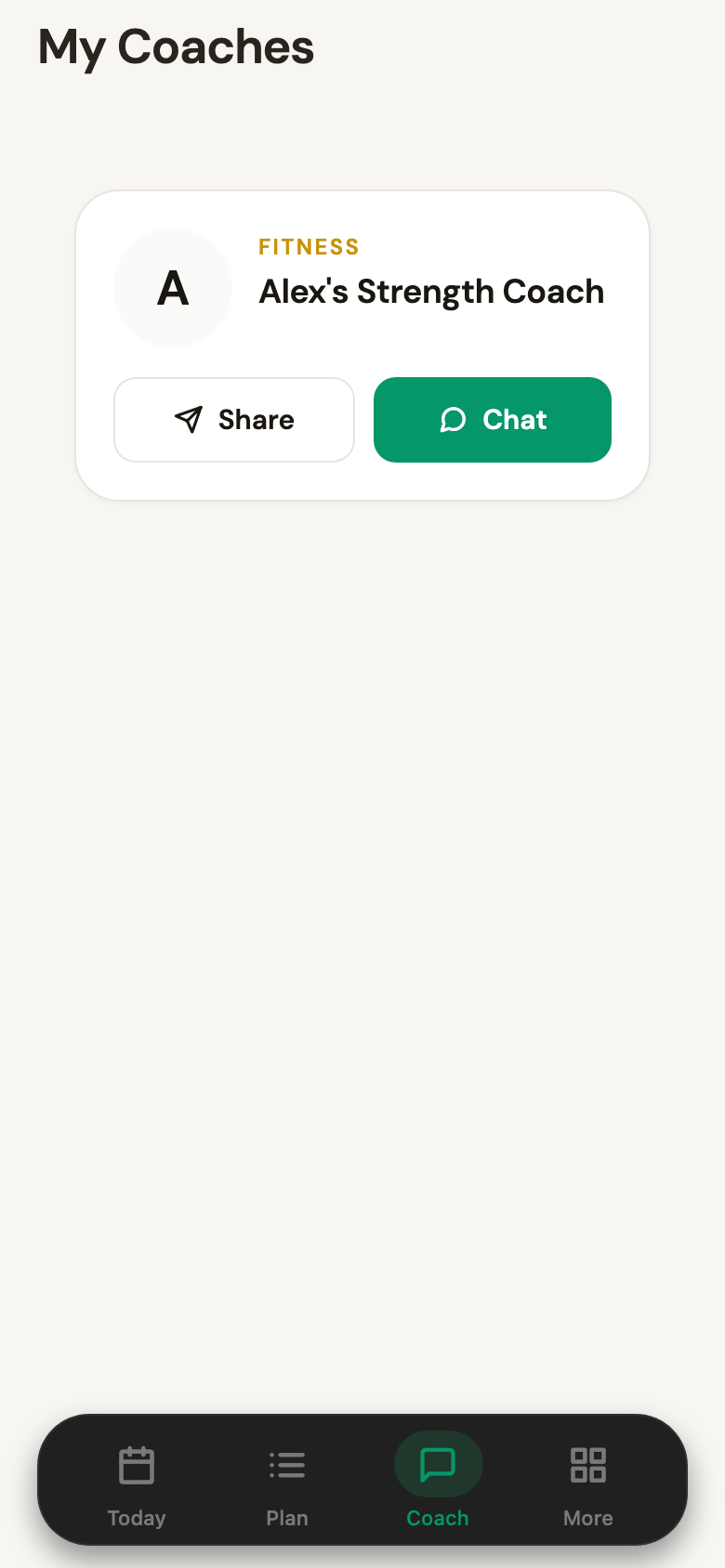
My coaches
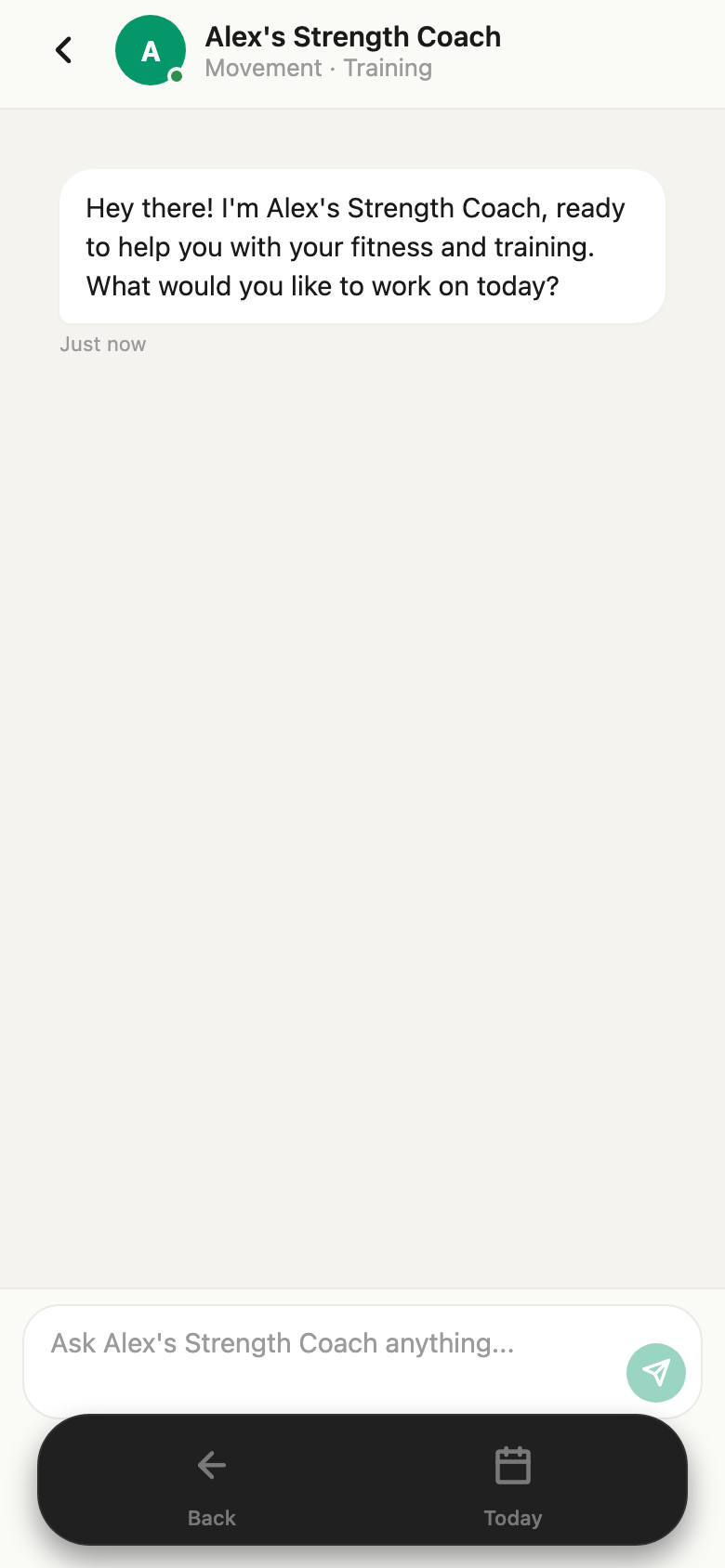
Chat
Then just say what you want. Plain language is fine — you're talking to something that has read your coach's whole method and your answers from the last two screens:
Things worth saying first
Tell it the awkward details now: an old injury, the days you genuinely can't train, the lift you hate. It's better to have that in the program than to quietly skip sessions later.
What you get back
The program your coach builds isn't a message you scroll back to find. It becomes a real plan in the app — weeks, days, exercises, sets and reps — that you open from the Plan tab and tick off as you train.
Here's what four days a week actually looks like. The plan opens on the week you're in, with each training day named for what it is and the rest of the block swipeable beside it. Today's session is marked, so there's never a question about what you're walking into the gym to do.
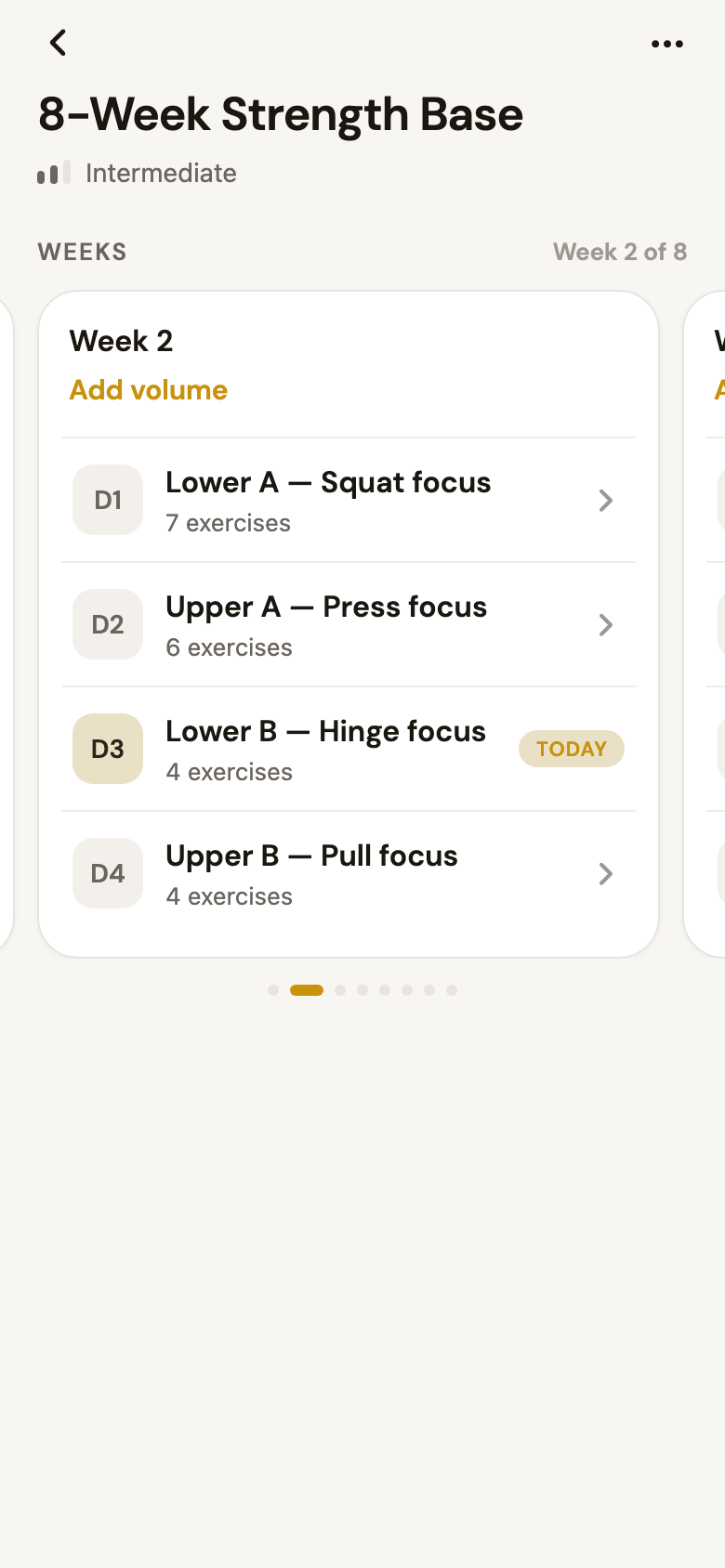
Your week
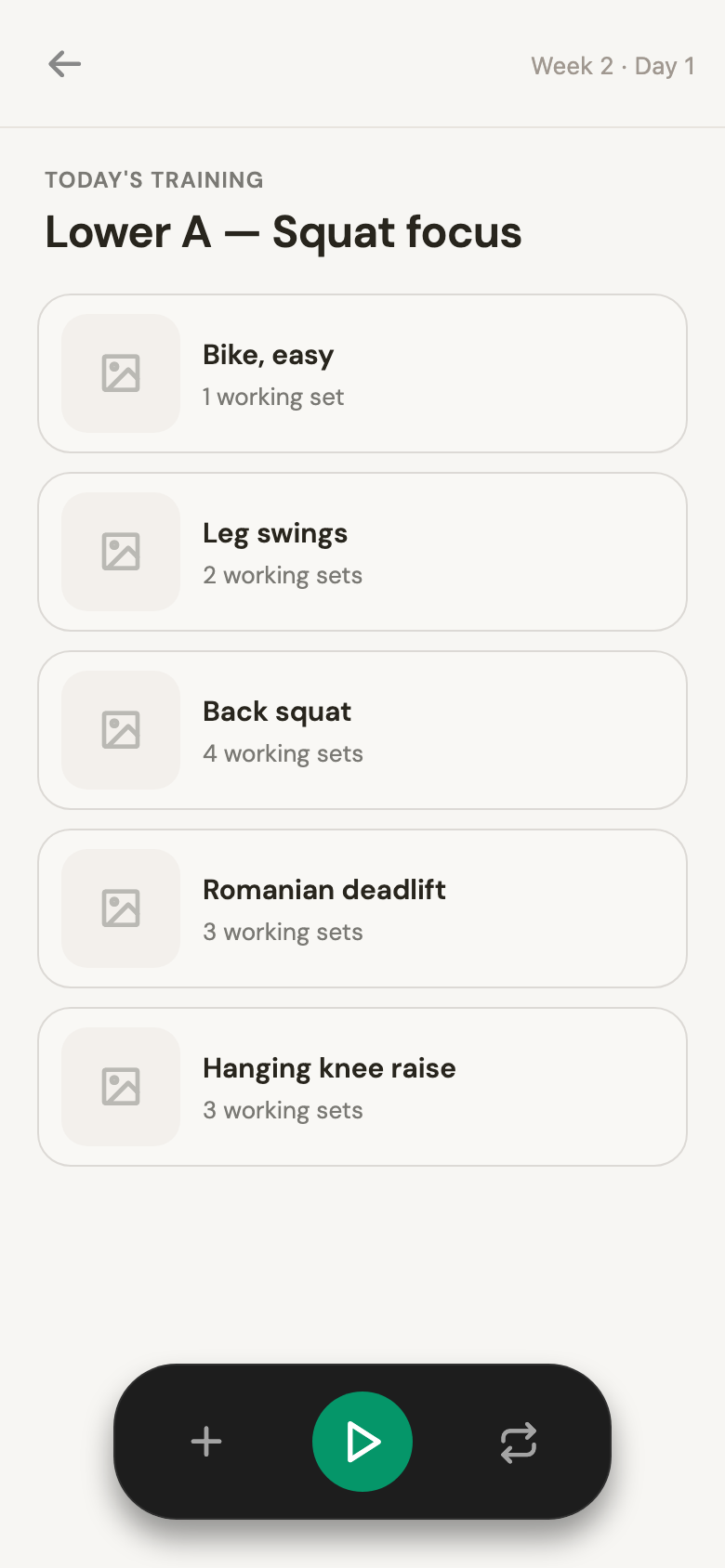
One session
Open a day and you get the session itself — every exercise in order, with its working sets, your coach's notes where they left them, and a start button that turns it into a logging session. Nothing to print, nothing to copy into a spreadsheet.
Training it: what logging actually looks like
Press play on a session and the app walks you through it one exercise at a time. Each set is a row with the prescribed weight and reps already filled in — you nudge the numbers to what you actually did and hit Done. The set counter at the top right (0/4) tracks where you are.
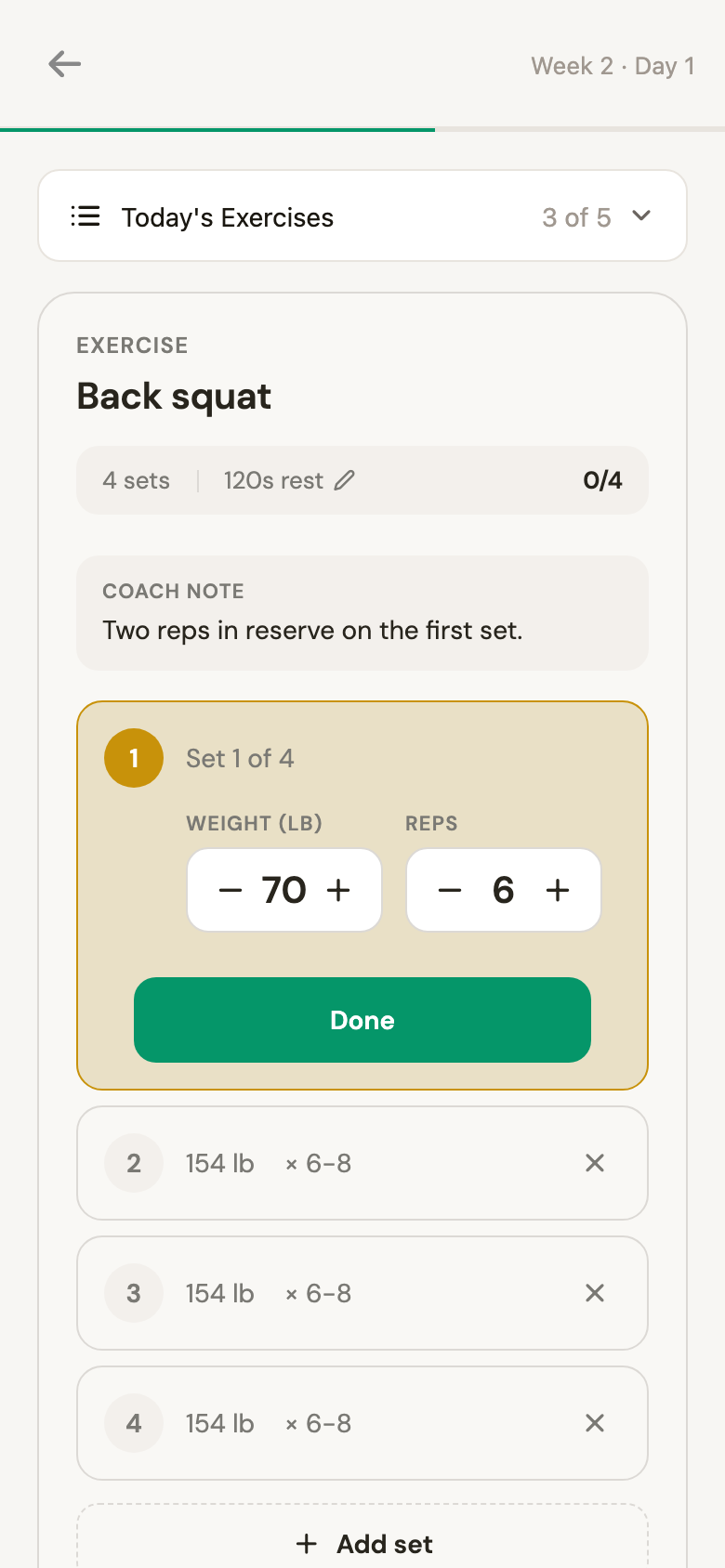
Logging a set
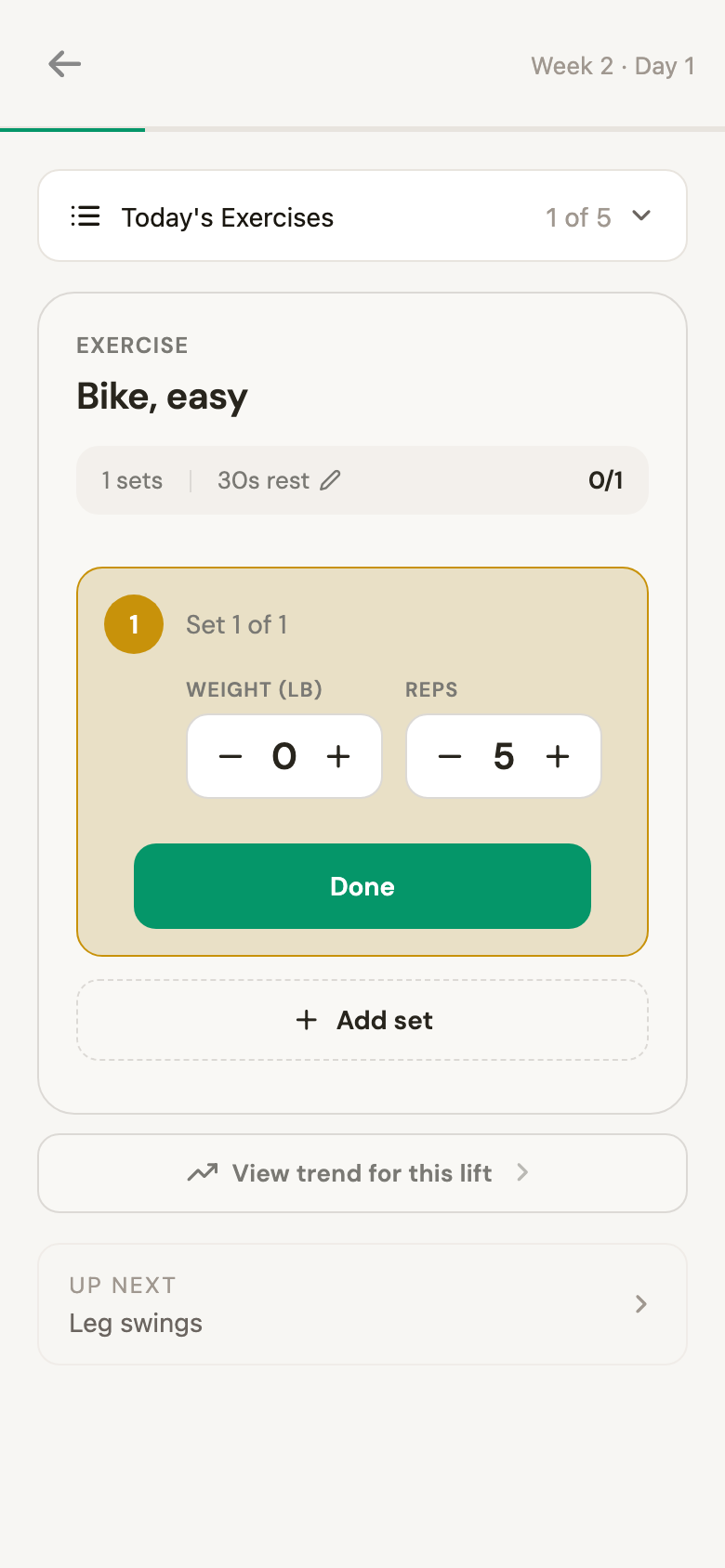
Moving through
The parts worth knowing:
- Coach notes ride along with the exercise. If your coach wrote "two reps in reserve on the first set," it's on the screen while you're doing it — not buried in a chat from three weeks ago.
- You log what happened, not what was planned. Went heavier? Managed six instead of eight? Change the numbers. That's the data your coach reasons from.
- Add or drop sets freely. There's an
Add setunder the last one, and rest timers you can edit per exercise. - Every lift has a trend. View trend for this lift shows that exercise over time, so you can see whether the squat is actually moving.
Then your coach reads the session
Finish the day and you don't just get a tick. The app sends the completed log to your coach, which reads it against the rest of your week and hands back a short analysis — not a generic "great job," but something specific to what you just did.
What comes back has four parts:
- A headline in your coach's voice. One line on how the session landed — "Strong session — legs are building."
- Coach notes. One to three observations tying today to the week: "Squat volume is up on last week and your reps held at the top of the range. Good time to add a little load." Each one has a chip to take it straight into the chat and ask about it.
- Body impact this week. A silhouette shaded by how much each muscle has been worked over the last seven days, plus four tiles — what you hit today, how many sessions deep you are, your effective set count, and what to focus on next.
- Movement balance. A radar across squat, hinge, push, pull and core, showing where the week is lopsided — and a note when one pattern is lagging: "Pull is lagging this week. A short back session would even it out."
It's the difference between an app that stores your training and a coach that reads it. And when a note lands — pull is behind, squats are ready for more — you tap through to the chat and ask for next week to reflect it.
Ask for a nutrition plan the same way, if your coach offers one. And when something changes — a bad week, a niggle, a holiday — say so in the chat and ask for the plan to be adjusted. That's the point of it being a conversation rather than a PDF.
Common questions
Can I skip the profile questions? Yes — there's a skip on both screens, and you can fill them in later from your profile. Your first program will just be more generic until you do.
What if I get a new phone? Sign in with the same email. Your profile, program and history live in your account, not on the device.
Does the app work in Spanish? Yes. There's a language toggle on the sign-in screen, and you can change it later from your profile.
Can I follow more than one coach? Yes — each one you subscribe to appears under the Coach tab with its own conversation.
What if my program isn't right? Say so. Ask for fewer days, different exercises, more volume, less. Rebuilding it is a message, not a support ticket.
Your coach wrote the method.
The app makes it yours.